The Classic Problem: Same Prompt, Every Day
Try counting how many times your team retypes instructions like "use our brand colors", "check for N+1 queries before approving the PR", or "the monthly report must open with a summary table". These instructions usually live in a Notion page, someone's personal notes, or simply in the head of the most senior person on the team. Every new AI conversation starts from scratch, and the output varies depending on who wrote the prompt that day.
Agent Skills are designed to solve exactly this. Instead of repeating prompts, you package your team's procedural knowledge into a folder that the AI loads automatically when it's needed. Anthropic's documentation explains that unlike prompts, which only apply to a single conversation, skills load on demand, so you don't have to repeat the same guidance across conversations.
What Is an Agent Skill?
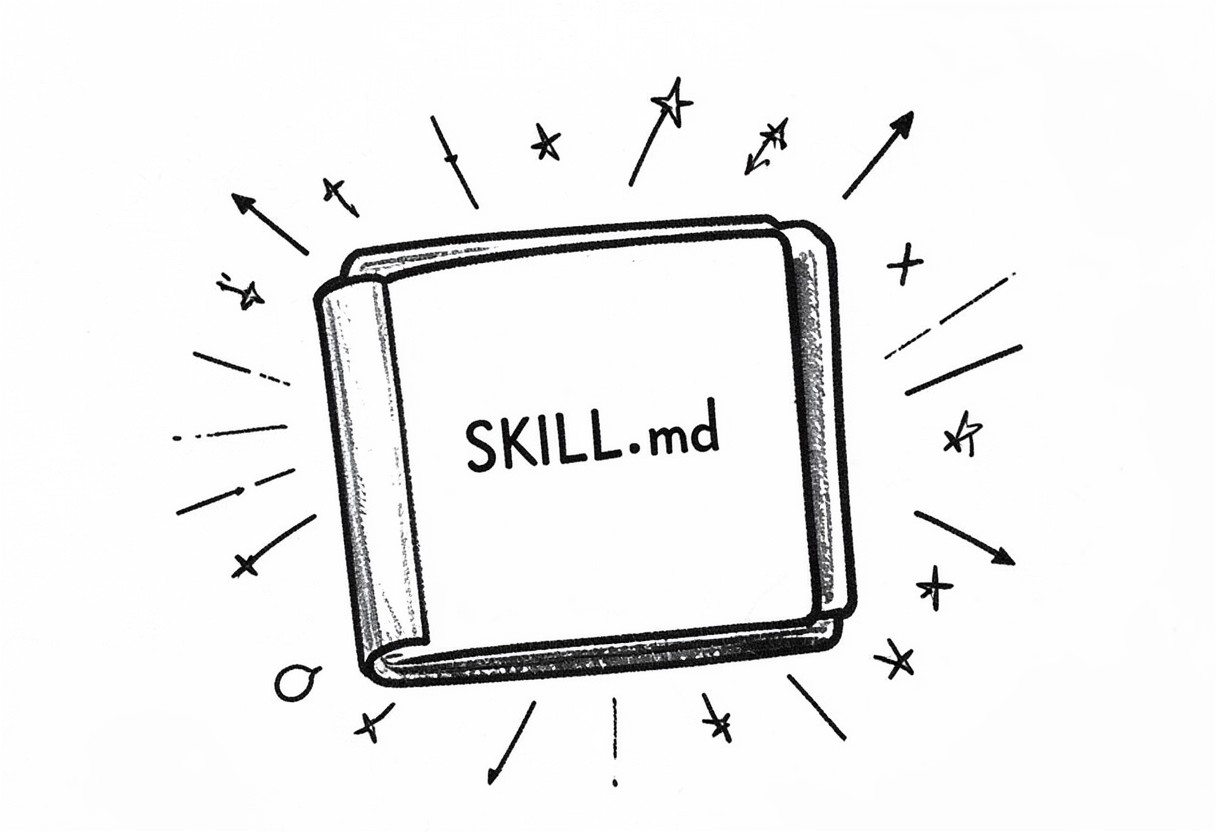
In simple terms, a skill is a folder containing a SKILL.md file. That file has two parts: YAML frontmatter with metadata (at minimum name and description) and a markdown body with the instructions the agent should follow. On top of that, the skill folder can bundle scripts, reference documents, templates, and other assets.
monthly-report/
├── SKILL.md          # Required: metadata + instructions
├── scripts/          # Optional: executable code
├── references/       # Optional: supporting documentation
└── assets/           # Optional: templates, logos, other resources
Here's the most basic SKILL.md:
---
name: monthly-report
description: Builds monthly performance reports for hosting clients using the team's standard format. Use when the user asks for a monthly report, month-end recap, or a monthly server performance summary.
---

# Monthly Report

## Instructions
1. Start with a summary table (uptime, traffic, incidents).
2. Follow with a trend analysis compared to the previous month.
3. Close with no more than three actionable recommendations.
A few rules apply. The name field is limited to 64 characters, may contain only lowercase letters, numbers, and hyphens, and cannot use reserved words such as "anthropic" or "claude". The description field must not be empty and has a 1024-character limit.
Interestingly, this format isn't locked to a single vendor. Agent Skills were originally developed by Anthropic and released as an open standard, and they're now supported by many tools including Claude Code, Cursor, Gemini CLI, GitHub Copilot, VS Code, and even Laravel Boost. A skill you write once can be reused across any compatible agent.
Progressive Disclosure: Why Skills Are Context-Efficient
The core strength of skills lies in progressive disclosure: information is loaded in stages as needed rather than all at once upfront. There are three levels:
| Level | When loaded | Token cost | Content |
|---|---|---|---|
| 1. Metadata | Always, at startup | Roughly 100 tokens per skill | name and description from the frontmatter |
| 2. Instructions | When the skill is triggered | Under 5k tokens | The SKILL.md body |
| 3. Resources & code | Only when needed | Zero until accessed | Reference files, templates, scripts |
Because only the name and description occupy context before a skill is triggered, you can install many skills without bloating the context window. When a user request matches a description, the agent reads the full SKILL.md. If the instructions point to other files, such as FORMS.md or a database schema, those are only read when they're actually relevant to the task.
Scripts are handled even more efficiently. When the agent runs a script, the script's code never enters the context, only its output does. That makes deterministic operations like data validation or format conversion far more reliable and cheaper than asking the AI to write equivalent code from scratch every time.
Skills vs MCP: Tool Access vs Knowing How to Use It
A common question: if we already have MCP (Model Context Protocol), why do we need skills? The two are complementary, not competing.
| Aspect | MCP | Agent Skill |
|---|---|---|
| Main purpose | Connects the agent to external tools and data | Teaches procedures and working standards |
| Form | A server exposing tools through a protocol | A folder with SKILL.md, scripts, and assets |
| Analogy | The key to the warehouse | The SOP for running the warehouse |
| Example | Access to Notion, GitHub, or a database | How to write a Notion page using the team template |
MCP answers "which tools can the agent reach?", while a skill answers "how does our team use those tools correctly?". Anthropic's official repository even describes skills as a great way to teach Claude to get better at using specific pieces of software, highlighting Notion as a partner skill example. The ideal combination: MCP grants access to Jira, while a skill teaches your team's ticket format, required labels, and prioritization criteria.
Writing Skills That Actually Trigger
The most common mistake is a skill that never gets used because its description is too vague. Remember, the description is the text the agent matches against the user's request to decide whether to trigger the skill. That's why a description must cover two things: what the skill does and when it should be used.
Compare these two descriptions:
# Less effective
description: Helps create reports.

# Effective
description: Builds monthly performance reports for hosting clients (uptime, traffic, incidents, recommendations) in the team's standard format. Use when the user asks for a monthly report, month-end recap, laporan bulanan, or a client server performance summary.
A few practical tips to make skills trigger reliably:
- List the real trigger words your team actually types, including synonyms and terms in other languages your team uses.
- Describe the context, such as file types, tool names, or the stage of work involved.
- One skill, one job. A skill that tries to handle everything becomes hard to trigger accurately.
- Move long details into reference files to keep
SKILL.mdlean, then link to those files from the instructions body.
Practical Examples for Teams
1. Brand Guidelines
Content and design teams constantly repeat rules about colors, fonts, and tone of voice. Create a brand-guidelines skill containing the official color palette, logo usage rules with the files stored in assets/, and examples of sentences that do and don't match the brand voice. The description might read: use when creating marketing materials, presentation slides, social media posts, or any client-facing document. The anthropics/skills repository also includes examples of enterprise workflow skills covering communications and branding that you can use as inspiration.
2. Code Review Checklist
For a Laravel development team, a code-review-laravel skill can hold a checklist covering input validation through Form Requests, preventing N+1 queries with eager loading, using Policies for authorization, and naming conventions. Add a scripts/check_migrations.py script that flags migrations missing a down() method. That way, review standards stay consistent no matter who the reviewer is.
3. Monthly Report Format
A monthly-report skill stores a template in assets/template.md, metric definitions in references/metrics.md, and a script that calculates uptime percentage from raw data. The team just types "create the monthly report for client X for September", and the report structure stays identical month after month.
Distribution and Security
Where skills live depends on the product. In Claude Code, you simply place them in ~/.claude/skills/ (personal) or .claude/skills/ (per project, so they can be committed to Git alongside your code). In claude.ai, skills are uploaded as zip files through Settings > Features and are individual to each user. Through the Claude API, skills are uploaded via the /v1/skills endpoints and are accessible to all workspace members. Note that skills don't sync automatically across these surfaces, so you'll need to upload them separately to each one.
On the security side, treat skills like installing software. Only use skills from trusted sources, audit every file including scripts and assets, and be cautious with skills that fetch data from external URLs, since fetched content could contain malicious instructions.
Conclusion
If your team has a prompt that keeps getting copied and pasted, that's a clear sign of a workflow worth turning into a skill. Start with the single process your team repeats most often, write a description that is specific about when the skill should be used, and let progressive disclosure keep the context lightweight. The result is an AI that works like a teammate who already knows the SOP, not a new assistant who needs a fresh briefing every morning.