Your Website Is Live — But Is It Actually Working for Your Business?
Many business owners assume that having a website is enough. In reality, a visually appealing site is just one small part of the equation. If your website is slow to load, difficult to navigate on mobile, lacks a clear call-to-action, or fails to inspire trust — potential customers will leave before they ever read your offer.
This article covers the four most common reasons business websites lose customers, along with a practical guide to auditing and fixing each issue using free tools available right now.
1. Slow Page Load Speed: Every 100ms Delay Reduces Conversions by 7%
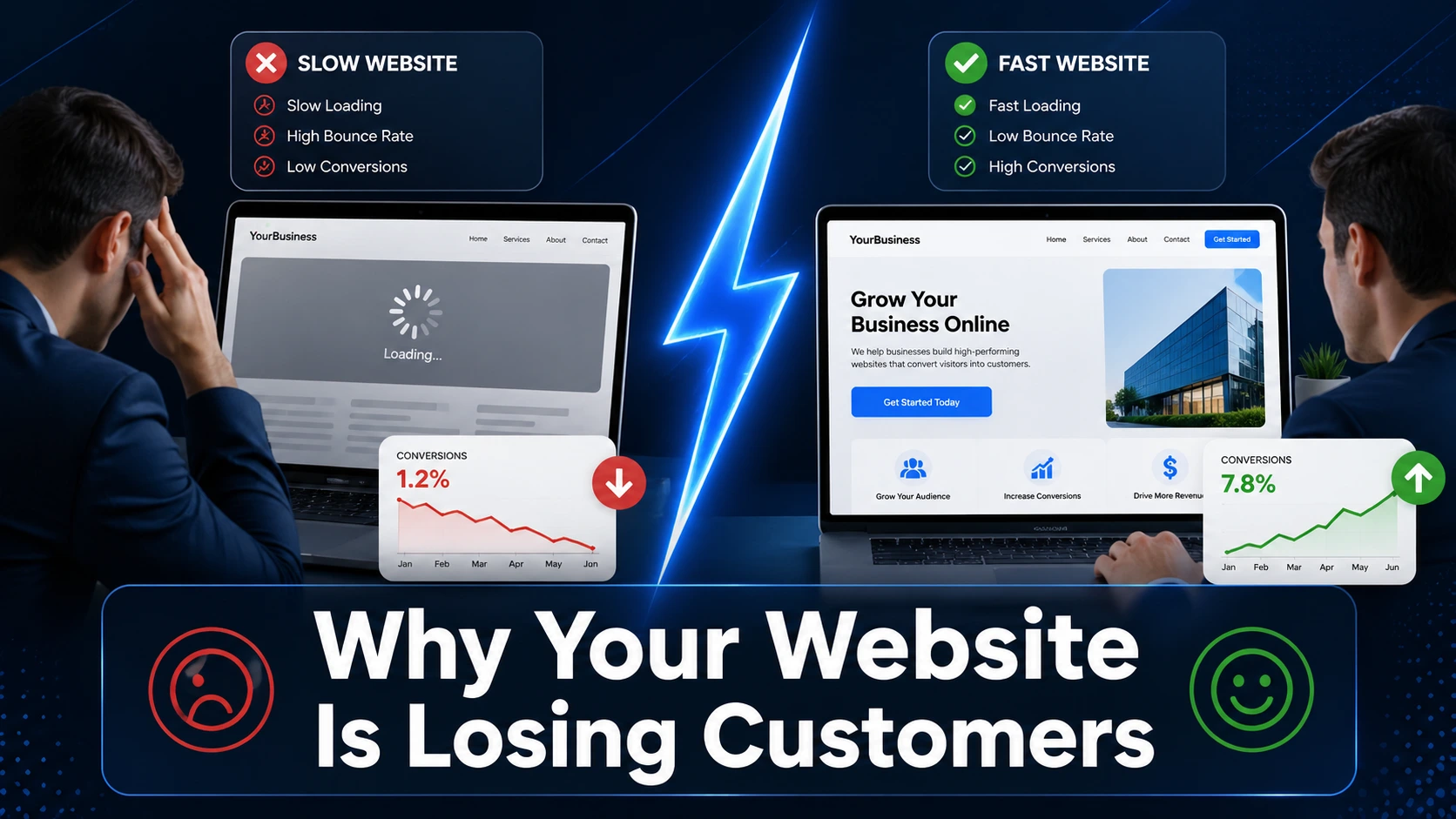
Page speed is not just a technical metric — it's a direct revenue factor. According to data highlighted by Magnet.co, a mere 100-millisecond delay in page load time can reduce conversion rates by 7%. That means if your site takes 3 seconds to load when it should load in 1, you could be losing a significant portion of potential sales before visitors even engage with your content.
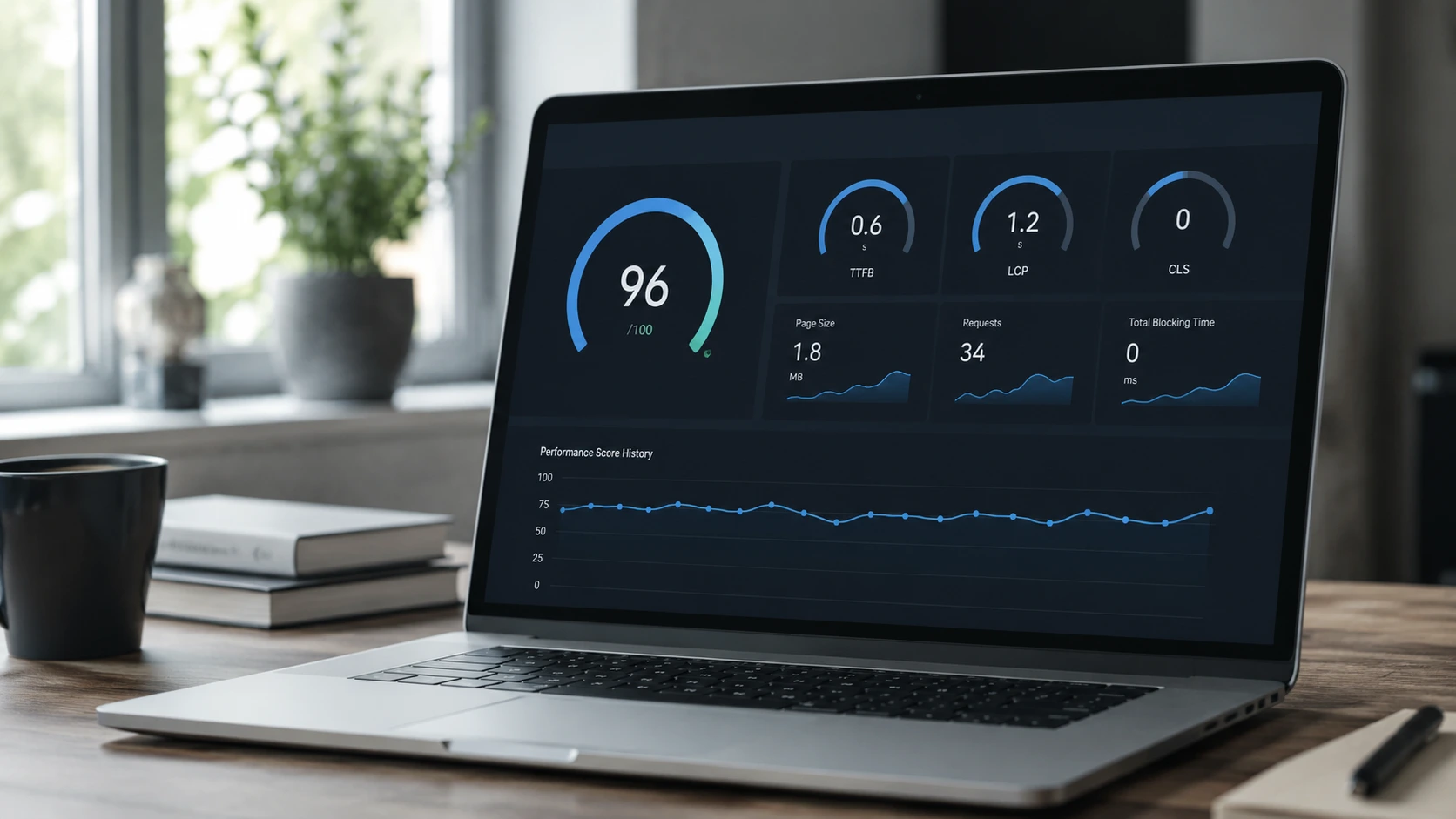
Google measures loading performance through a metric called Largest Contentful Paint (LCP) — a core part of their Core Web Vitals framework. LCP tracks how long it takes for the largest visible element on a page (typically a hero image or main text block) to fully render. Google's standard: LCP should occur within the first 2.5 seconds of the page starting to load for a good user experience.
Two additional Core Web Vitals metrics are equally important:
Interaction to Next Paint (INP): Measures how quickly your site responds to user clicks or taps after the page has loaded. Target: 200 milliseconds or less.
Cumulative Layout Shift (CLS): Measures visual stability during page load. Unexpected shifts — like a button jumping right as a user is about to click it — create a frustrating experience. Target: a CLS score below 0.1.
How to fix it:
Compress and optimize all images; use modern formats like WebP or AVIF.
Remove or defer unnecessary third-party scripts (analytics, chat widgets, heatmaps).
Upgrade to a faster, more reliable web hosting provider.
Avoid lazy-loading images that are visible above the fold.
Minify your CSS and JavaScript files.
2. Poor Mobile Experience in a Mobile-First World
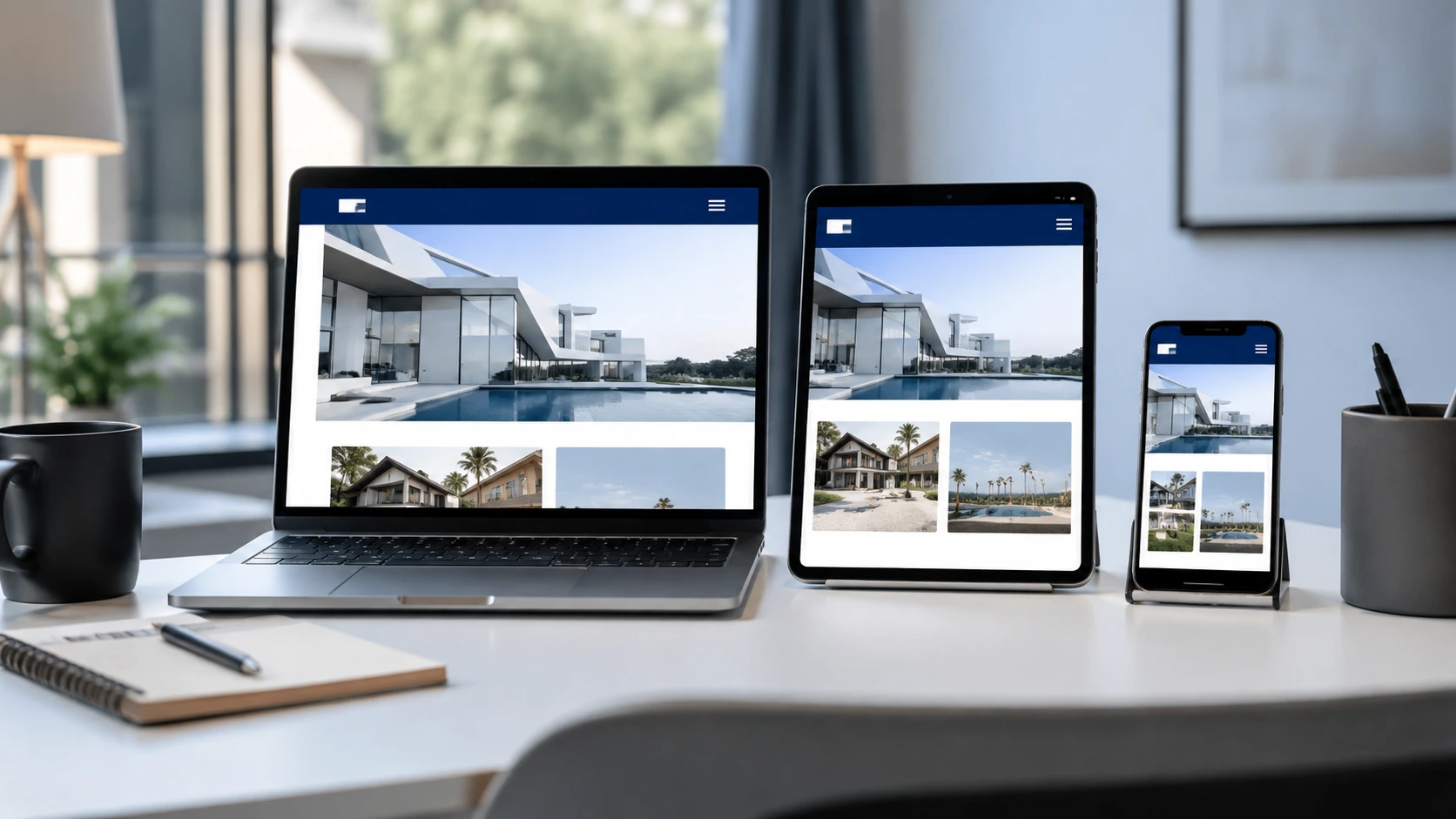
Google officially uses mobile-first indexing, meaning your site's mobile performance — not desktop — is the primary signal used to determine your search ranking. More than half of global web traffic now comes from mobile devices, and mobile users have far less patience for slow or hard-to-use websites.
A non-responsive layout, tiny tap targets, text that requires zooming, or a navigation menu that is difficult to access on small screens — all of these increase bounce rates and kill conversions before they happen.
How to fix it:
Ensure your website uses a fully responsive design that adapts gracefully to all screen sizes.
Test on real Android budget devices, not just browser emulators — the performance gap is significant.
Make sure all tap targets (buttons, links) are at least 48x48 pixels.
Reduce the number of network requests on mobile pages; aim for 50 or fewer.
Consider implementing a Progressive Web App (PWA) architecture for a near-native mobile experience.
3. Unclear CTAs and Confusing Navigation
Every visitor to your website is asking one question: "What should I do next?" If the answer isn't immediately obvious, they will leave.
A weak or buried Call-to-Action (CTA) is one of the leading causes of poor conversion rates. The same applies to confusing navigation — too many menu options, an illogical page hierarchy, or important pages buried behind multiple clicks all work against your business goals.
How to fix it:
Place your primary CTA above the fold on every key page so it's visible without scrolling.
Use action-oriented, benefit-driven language: "Get a Free Quote", "Start Your Trial", "Contact Us Today".
Simplify your navigation menu — aim for no more than 5–7 top-level items.
Implement breadcrumbs and clear internal linking to help visitors orient themselves.
A/B test different CTA colors, copy, and placements to identify what drives the most clicks.
4. Lack of Trust Signals: SSL, Testimonials, and Contact Information
Visitors arriving at your website are strangers making a judgment call about whether your business is legitimate and safe. Without visible trust signals, even the most compelling offer can fail to convert.
The three most fundamental trust signals every business website must have:
SSL/HTTPS: A website without HTTPS displays a "Not Secure" warning in modern browsers — an instant red flag that erodes confidence. Google also includes HTTPS as part of its page experience ranking signals.
Testimonials and reviews: Social proof is one of the most powerful conversion tools available. Display real customer reviews with names and context, ideally with photos or company logos.
Visible contact information: A phone number, email address, or contact form that is easy to find signals that there are real people behind your business — not a ghost operation.
How to fix it:
Activate SSL through your hosting provider (many offer this for free via Let's Encrypt).
Add a testimonials section to your homepage and key service/product pages.
Display contact details in the site header or footer so they appear on every page.
Consider adding relevant trust badges, industry certifications, or partner logos.
5. How to Audit and Fix These Issues with Free Tools
The good news: you don't need a large budget to start diagnosing your website's problems. Here are the most effective free tools available:
Google PageSpeed Insights
Visit pagespeed.web.dev and enter your URL. This tool provides a full Core Web Vitals report (LCP, INP, CLS) along with specific, prioritized recommendations for both mobile and desktop versions of your site.
Google Search Console
Register your website in Search Console (free). Under "Experience" > "Core Web Vitals", you'll find a site-wide report classifying pages as "Good", "Needs Improvement", or "Poor" — based on real user data from the Chrome User Experience Report (CrUX). This is the exact data Google uses for ranking.
Mobile-Friendly Test
Use search.google.com/test/mobile-friendly to verify whether Google considers your pages mobile-friendly, and to identify specific issues that may be hurting your mobile experience.
Google Lighthouse
Built directly into Chrome DevTools (right-click > Inspect > Lighthouse tab). Run a full audit to receive a comprehensive report covering performance, accessibility, SEO, and best practices — all in one place.
Closing Thoughts: Your Website Should Be Your Best Salesperson
Every second of load delay, every buried button, and every page that fails to inspire trust is a leak in your sales funnel. Businesses that take proactive steps to improve website performance — both technically and from a user experience perspective — consistently report higher conversion rates, lower bounce rates, and stronger organic search rankings.
Start with a free audit using the tools above. Identify your biggest issues, fix them one by one, and measure the impact. If you need professional help to implement changes at scale, the team at katili.dev is ready to help you build a website that doesn't just look great — it actively works to grow your business.
References
Backlinko. Core Web Vitals: Essential Guide to Improving Site Performance. https://backlinko.com/hub/seo/core-web-vitals
Google Search Central. Understanding Core Web Vitals and Google Search Results. https://developers.google.com/search/docs/appearance/core-web-vitals
Magnet.co. Understanding Google's Core Web Vitals: What Businesses Need to Know. https://magnet.co/articles/understanding-googles-core-web-vitals