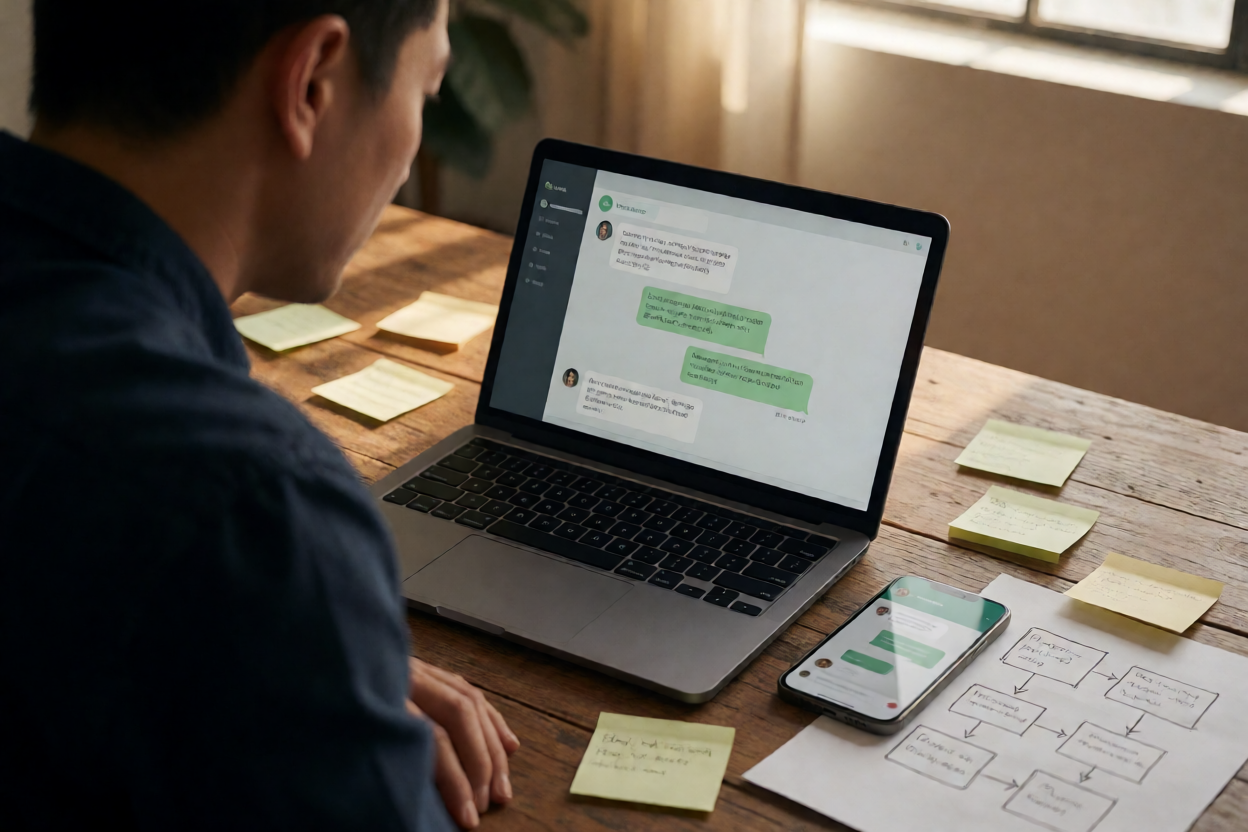
Many WhatsApp chatbot projects start with the same question from the client: "Why did our Meta bill jump this month when our customer count stayed flat?" The answer almost always lies in the conversation architecture, not in message volume. Since Meta moved to per-message pricing, cost is driven by the category of each message the business sends and the recipient's country. Two chatbots sending the same number of messages can end up with very different bills, depending on how their flows are designed.
This article is for developers and consultants who design chatbots for clients. We already covered the basics of the Marketing, Utility, Authentication and Service categories in The Four WhatsApp Business API Message Categories and Which Are Free. Here we focus on one thing: design patterns that move as much of the conversation as possible onto the "cheap path" (messages sent inside the customer service window) and where those patterns stop working.
The Core Principle: Whoever Starts the Conversation Sets the Cost
According to Meta's pricing documentation, outbound messages come in two kinds:
- Template messages (Marketing, Utility, Authentication), which can be sent at any time, provided the user has opted in.
- Non-template messages (the Service category), which can only be sent while a customer service window is open.
That window is a 24-hour timer that starts when a user messages or calls the business, and it resets to 24 hours every time the user sends a new message. Meta only charges for business-to-user messages, not user-to-business ones, and a charge applies only when a message is actually delivered.
The architectural consequence is simple: conversations started by the customer can be served with free-form Service messages, while conversations started by the business have to open with a paid template.
One important caveat that is easy to miss: as of October 1, 2026, Service messages are no longer free without limit. Each business phone number gets a monthly allowance of free Service messages (Meta's documentation states 1,000 delivered messages per month, with no rollover), and anything beyond that is charged. On the same date, Utility messages sent inside the customer service window became billable again, after being free since July 2025. So the "free service window" is now better described as "the cheapest window, with a free allowance up front". The design principle still holds; what changes is how you calculate the savings.
The "Bait the Inbound" Pattern: Broadcasts That Invite a Reply
The most effective pattern is to turn a broadcast from "deliver all the information" into "get the customer to start the conversation". There are two main routes:
1. Entry points outside WhatsApp. A click-to-chat button on the website, a QR code on the packaging, or a wa.me link in an Instagram bio means the customer sends the first message. The broadcast itself can move to channels that are not billed per message (email, social media, app notifications) with a call to action like "chat with us to check your offer". Once the customer says hello, the 24-hour window opens and the chatbot can present the catalog, pricing and recommendations as Service messages.
2. Click-to-WhatsApp ads (Free Entry Point). Meta's documentation explains that when a user messages you from a click-to-WhatsApp ad (in the Android or iOS app, not desktop or web) and the business replies within the customer service window, that reply is not charged and opens a Free Entry Point window that may stay open for up to 7 days. While it is open, Marketing, Utility, Authentication and Service messages are all free. The exception is Meta Business Agent messages, which are still billed per token. The window is shared by every account on the same business phone number.
The design implication: flows that originate from click-to-WhatsApp ads deserve a richer "follow-up package", such as cart reminders or a follow-up offer, because during that period even template messages add nothing to the bill. The chatbot needs to store a timestamp of when the FEP window opened so it knows when this free path ends.
Utility Templates as Window Openers
Sometimes the business genuinely has to start the conversation: order confirmations, shipping updates, appointment reminders. The right design here is a Utility template that invites a reply, for example: "Your order has shipped. Reply TRACK to see where your package is, or HELP if something is wrong."
As soon as the customer replies, the 24-hour window opens and every follow-up (tracking details, return FAQs, related product suggestions the customer asks for) can go out as Service messages.
When is this pattern cheaper than a Marketing template?
- When the content is genuinely transactional. Utility is meant for informational or transactional purposes, Marketing for promotion. Rates differ per category and per market, so always check Meta's rate card for the recipient's country before running the numbers.
- When volume is high. Meta's documentation says volume-based tiered discounts apply only to Utility and Authentication, not Marketing.
- When one template replaces several messages. A single Utility template followed by Service replies is almost always more efficient than a sequence of templates.
What you must not do: slip promotional content into a Utility template to get the lower rate. Meta reviews template categories, and a template whose content is promotional will be treated as Marketing. Keep transactional messages separate from sales pitches; the pitch belongs in a Service message after the customer has replied on their own.
The AI Agent Layer Inside the Window
Because most of a conversation's value happens inside the window, the chatbot's quality at this stage decides whether the customer keeps replying (and keeps resetting the window) or leaves. Qiscus's write-up on implementing AI agents highlights the relevant capabilities: understanding context and conversation history, keeping memory so customers do not repeat themselves, judging urgency, and handing the conversation to a human agent together with a summary.
Architecturally, this is the layout we recommend:
| Layer | Responsibility | Cost note |
|---|---|---|
| Category router | Checks window state (24-hour, FEP) before sending | Blocks non-template messages outside the window |
| AI agent / bot | Answers FAQs, qualifies leads, recommends | Messages from third-party AI count as Service |
| Human handover | Complex cases, with an AI-written summary | Still Service while the window is open |
| Template scheduler | Reminders and notifications outside the window | Choose Utility vs Marketing deliberately |
Note a distinction in Meta's documentation: messages from human agents or third-party AI fall under Service, while messages powered by the Meta Business Agent Platform have their own category billed per token. That matters when choosing the AI stack for a client.
The Key Metric: Category Distribution, Not Message Count
Chatbot dashboards usually show "messages sent" and "read rate". For a cost-aware architecture, the more important metric is the share of messages per category: what percentage is Service, Utility, Marketing, Authentication, and how much was delivered inside an FEP window.
Meta provides this data directly: message status webhooks carry a pricing object with billable and type fields (for example regular or free_customer_service), so each message can be logged with its category and whether it was charged. Useful derived metrics include:
- Inbound-initiated ratio: the percentage of conversations started by the customer.
- Template-to-reply conversion: how many Utility templates actually opened a window.
- Service allowance burn: how quickly each number uses up its monthly free allowance.
- Marketing messages per active customer: a signal of whether broadcasts are still the backbone.
When the bait-the-inbound pattern works, the Service and FEP share rises, the Marketing share falls, and the bill grows more slowly than message volume.
Where This Approach Stops Working
Shifting conversations into the service window is not a fix for everything:
- Promotion to a dormant customer base. Customers who have never contacted the business cannot be reached without a Marketing template (or an ad).
- Time-critical messages. OTPs and critical notifications cannot wait for the customer to open a conversation; Authentication and Utility remain necessary.
- The Service allowance runs out. Since October 2026, Service volume above the monthly allowance is billed too, so category optimisation has to go hand in hand with concise flows, not simply more Service messages.
- Customer experience. Forcing customers to type keywords purely to open a window can feel manipulative. The invitation to reply has to offer real value.
- The rules change. Meta only changes pricing at the start of a quarter, with at least one month's notice for rate changes. Make the category router configurable rather than hardcoded.
Conclusion
The heart of a cost-efficient WhatsApp chatbot architecture is letting the customer start, then serving them as well as possible while the window is open. Utility templates act as openers that invite a reply, click-to-WhatsApp ads are used for the FEP window, and success is measured by category distribution rather than volume. Need help designing a WhatsApp API integration for your business? The katili.dev team can help, from architecture to deployment.